Switch between fleets in NetApp Console local deployment
Contributors


 Suggest changes

 PDFs
PDFs
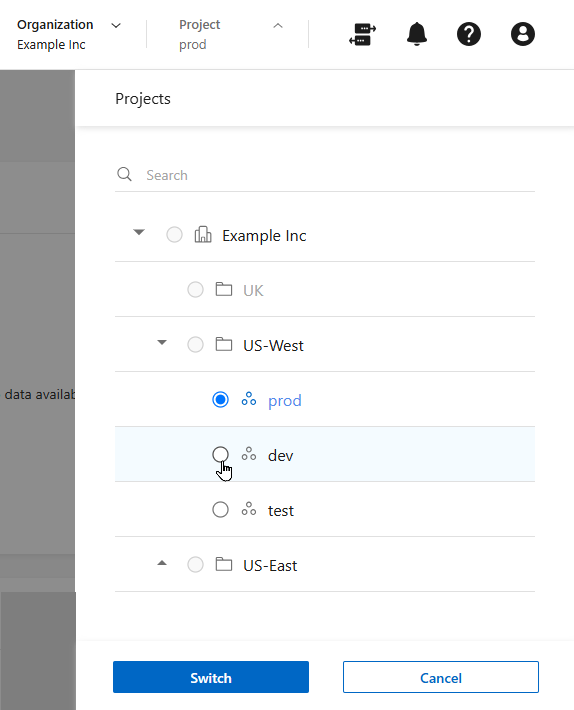
In NetApp Console local deployment, if you have access to multiple fleets, you can switch between them at any time.

|
You can't switch to another fleet while you are viewing any of the Identity and access pages. |
Steps
-
In the top header of the Console local deployment, select Scope.
-
Browse through the fleets in your organization, select the fleet that you want, and then select Switch.