


Configuring a Login Message
Contributors

 Suggest changes

 PDFs
PDFs
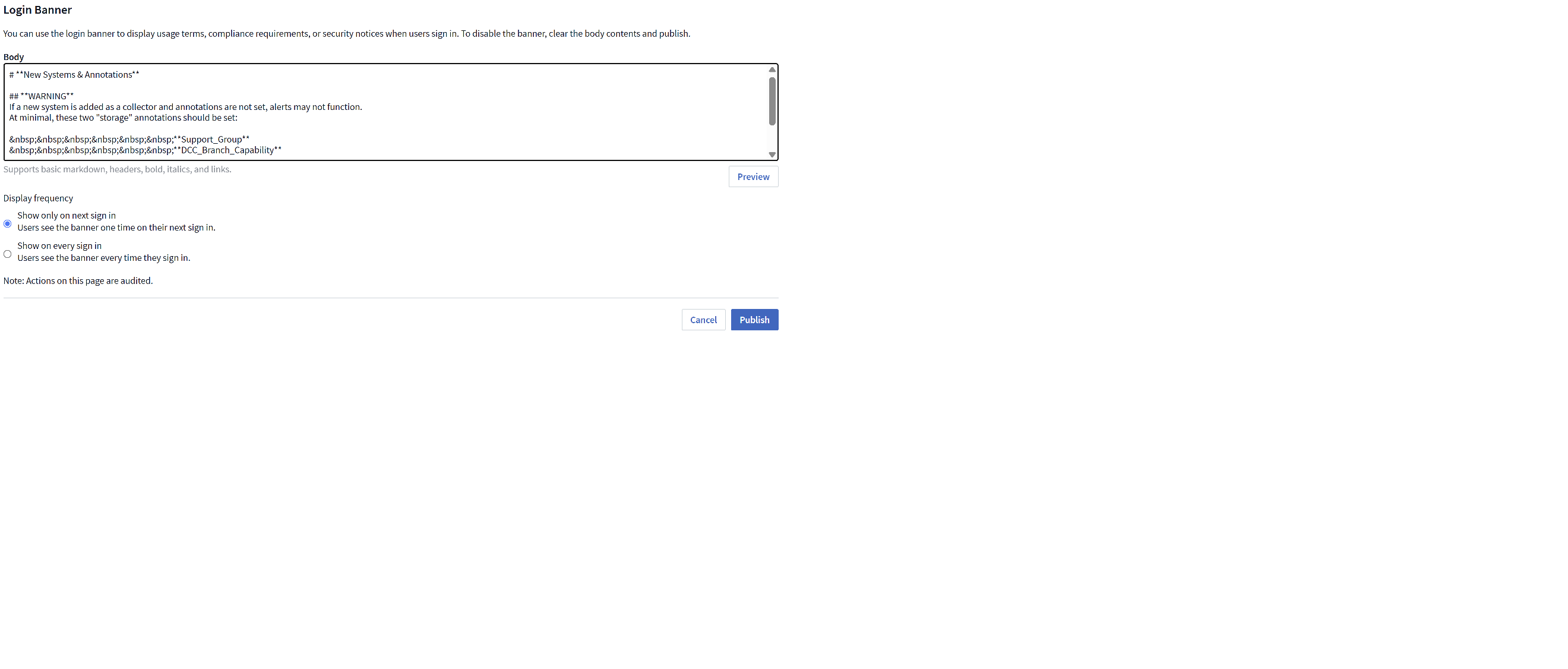
You can configure a message to display as a pop-up for all users when they log in. You choose to display only for the next login, or for all subsequent logins.
An administrator can set the message in Admin > Notifications, on the "Login Banner" tab.
The message supports basic Markdown, so you can apply formatting such as bold, italics, tables, etc.
Choose whether the users sees the message only on their next login, or on every subsequent login.
Note that the user must acknowledge the login message in order to dismiss it. Once dismissed, any additional pop-ups (What's New updates, Terms-of-Service updates, etc.) will display.