


Configure AWS Security Hub SIEM in NetApp Ransomware Resilience

 Suggest changes

 PDFs
PDFs
NetApp Ransomware Resilience provides native support for security information and event management (SIEM) with AWS Security Hub. By connecting Ransomware Resilience to AWS Security Hub, you can automatically send event data for threat analysis and detection to streamline ransomware protection and event management.
Before you begin
Before you enable AWS Security Hub in Ransomware Resilience, you need to perform security configurations in AWS Security Hub:
-
Set up permissions in AWS Security Hub.
-
Set up the access key and secret key in AWS IAM settings for authentication. (These steps are not provided here.)
Set up permissions in AWS Security Hub
-
Go to AWS IAM console.
-
Select Policies.
-
Create a policy using the following code in JSON format:
{
  "Version": "2012-10-17",
  "Statement": [
    {
      "Sid": "NetAppSecurityHubFindings",
      "Effect": "Allow",
      "Action": [
        "securityhub:BatchImportFindings",
        "securityhub:BatchUpdateFindings"
      ],
      "Resource": [
        "arn:aws:securityhub:*:*:product/*/default",
        "arn:aws:securityhub:*:*:hub/default"
      ]
    }
  ]
}
Authenticate AWS Security Hub in Ransomware Resilience
-
In Ransomware Resilience, select Settings in the sidebar.
-
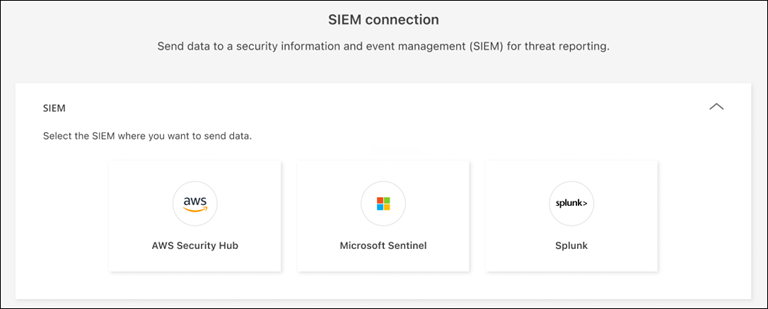
In the Settings page, select Connect in the SIEM connection tile then choose AWS Security Hub in the dropdown menu.
-
Review the Permissions sections.
-
Expand the Authentication section.
-
Enter the AWS Account then select the account's AWS Region.
-
Enter the Access key and Secret key from AWS Security Hub.
-
-
Select Connect to begin sending SIEM data.