


HANA configuration
Contributors

 Suggest changes

 PDFs
PDFs
Configure the SAP HANA database user and the hdb userstore key that SnapCenter uses to communicate with the HANA system.
Configure SnapCenter database user
A user store for a system database user must be created, which should be used by SnapCenter.
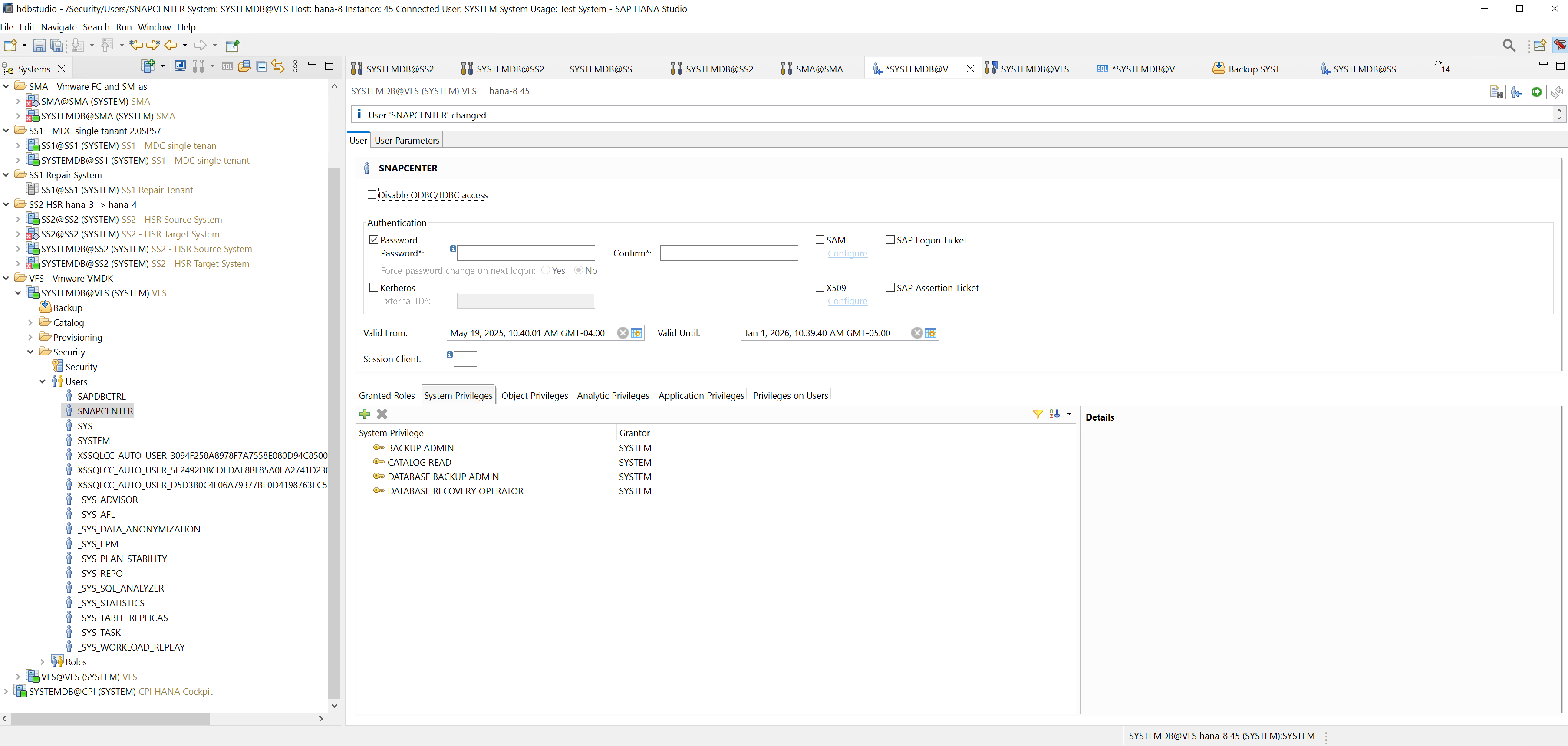
Configure hdb userstore key
A user store key must be created for the user vfsadm. The HANA instance number must be set accordingly for communication the port. In our setup instance number “45” is used.
vfsadm@hana-8:/usr/sap/VFS/HDB45> hdbuserstore SET VFSKEY hana-8:34513 SNAPCENTER <password>

Retroactive report: Operation succeed.
Check access with:
vfsadm@hana-8:/usr/sap/VFS/HDB45> hdbsql -U VFSKEY

Welcome to the SAP HANA Database interactive terminal.
Type: \h for help with commands
\q to quit
hdbsql SYSTEMDB=> exit

vfsadm@hana-8:/usr/sap/VFS/HDB45>