


A newer release of this product is available.
Delete scheduled reports in Active IQ Unified Manager
 Suggest changes

 PDFs

After reports are scheduled, you can delete them from the Report Schedules page.
Before you begin
-
You must have the Application Administrator or Storage Administrator role.
Steps
-
In the left navigation pane, click Storage Management > Report Schedules.
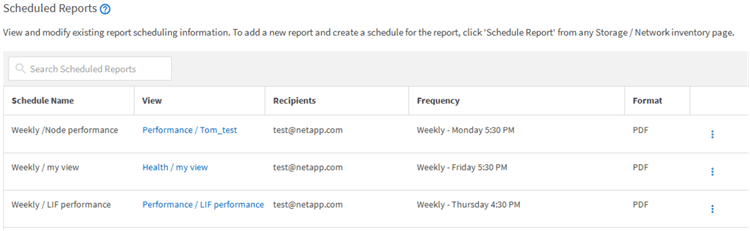

If you have the appropriate permissions you can remove any report and its schedule in the system.
-
Click the more icon
 for the schedule you want to remove.
-
Click Delete.
-
Confirm your decision.
The scheduled report is removed from the list and will no longer be generated and distributed on the set schedule.
If you delete a custom view from the inventory page, any custom Excel files or scheduled reports that use that view are also deleted.