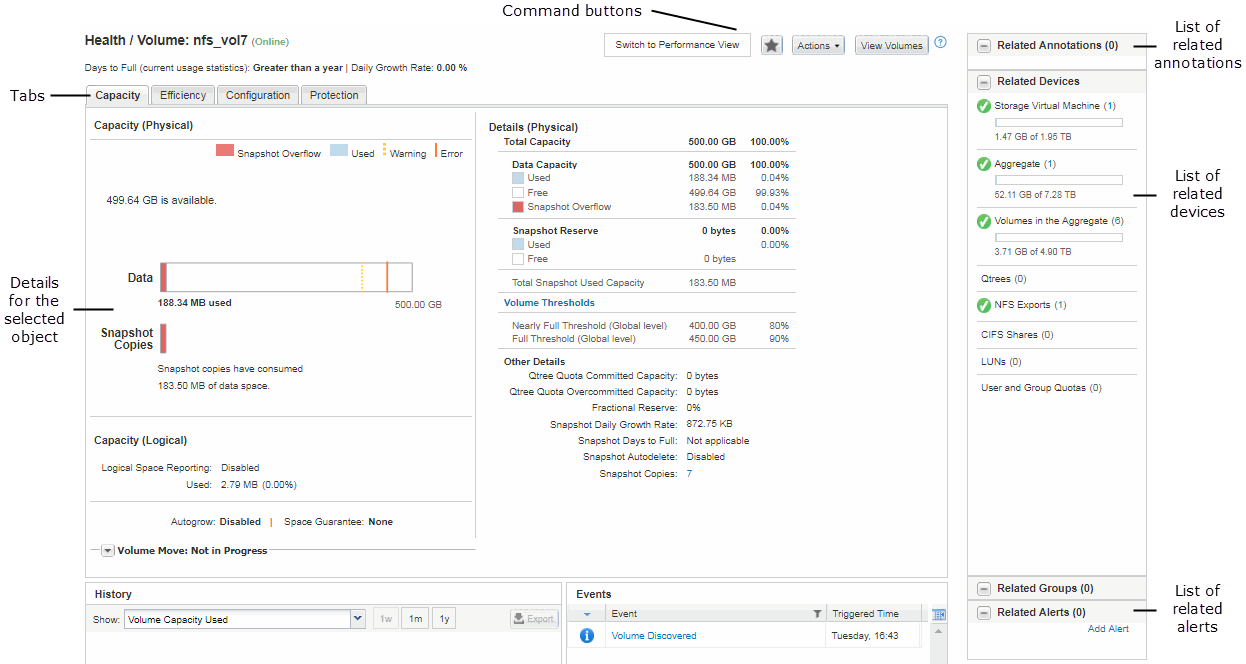
Typical window layouts in Active IQ Unified Manager
Contributors

 Suggest changes

 PDFs
PDFs
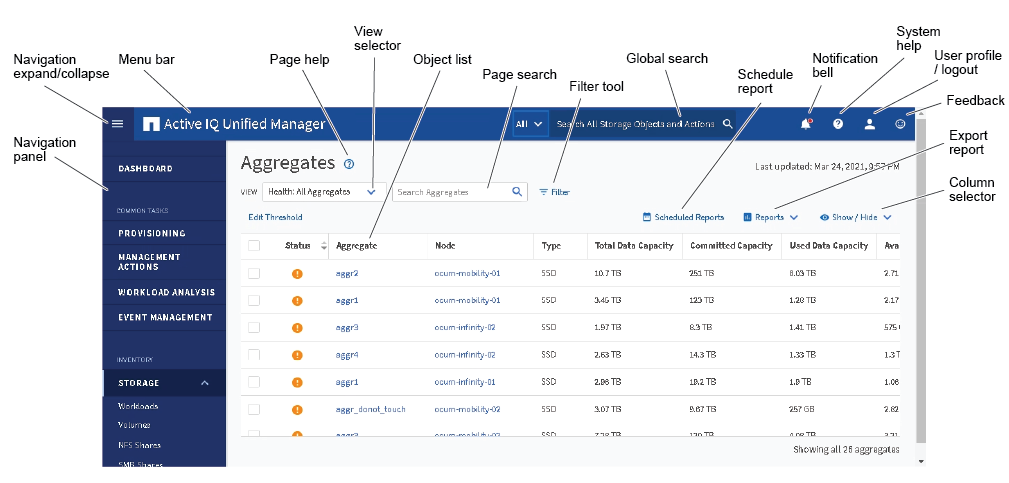
Understanding the typical window layouts helps you to navigate and use Active IQ Unified Manager effectively. Most Unified Manager windows are similar to one of two general layouts: object list or details. The recommended display setting is at least 1280 by 1024 pixels.
Not every window contains every element in the following diagrams.
Object list window layout
Object details window layout