


Deploy NetApp Data Classification with VMware Open Virtual Appliance

 Suggest changes

 PDFs
PDFs
Deploy NetApp Data Classification in an on-premises VMware vSphere environment using a prevalidated Open Virtual Appliance (OVA), a managed package that simplifies installation and operation.
This method is recommended for new VMware-based deployments.
Prerequisites
Before using the OVA file to install Data Classification, you must have:
-
A VMware vSphere environment
-
A static IPv4 address allocated to the appliance
-
DNS servers reachable from the target network
-
SSH access enabled to the appliance
-
NetApp Support Site credentials to download the installer
Deploy the OVA in VMware vSphere
-
Download the OVA file from NetApp Support Site. Choose the OVA appliance that is appropriate for your environment:
OVA appliance Production size File scanning limit DataClassification-<version>-L.ovaStandard production workload: 16 CPUs, 64 GB RAM, 500 GB disk
250 million files
DataClassification-<version>-XL.ovaLarge production workload: 32 CPUs, 128 GB RAM, 1 TB disk
500 million files
-
Open the vSphere client. Right-click the target cluster or host, and select Deploy OVF Template > Create VM from OVA.
-
Upload the OVA file you downloaded in step one.
-
Specify the VM name and the target data center, host or cluster, and datastore.
-
Accept the NetApp End User License Agreement.
-
Customize the template. You must provide the following information:
-
Hostname - the name of the appliance
-
IPv4 address - the static IPv4 address for the management interface
-
IPv4 subnet mask - for example 255.255.255.0
-
IPv4 gateway address - the default gateway
-
Primary DNS - the required DNS resolver
Optionally, add the Secondary DNS and, as comma-separated lists, the Search domains (for example,
corp.local,lab.local) and the NTP servers.
-
-
Set the Admin password for the default Linux user.

The password is used for root access, SSH access, and system administration. Store the password securely. -
Review the summary. Select Finish to deploy.
-
After deployment completes, turn on the VM.
Install Data Classification
-
Download the Data Classification software from the NetApp Support Site.
Select the file named DATASENSE-INSTALLER-<version>.tar.gz.
-
Extract the installer archive on the VM host by running
tar -xzf DATASENSE-INSTALLER-<version>.tar.gz. -
Extract the installer archive on the host machine.
-
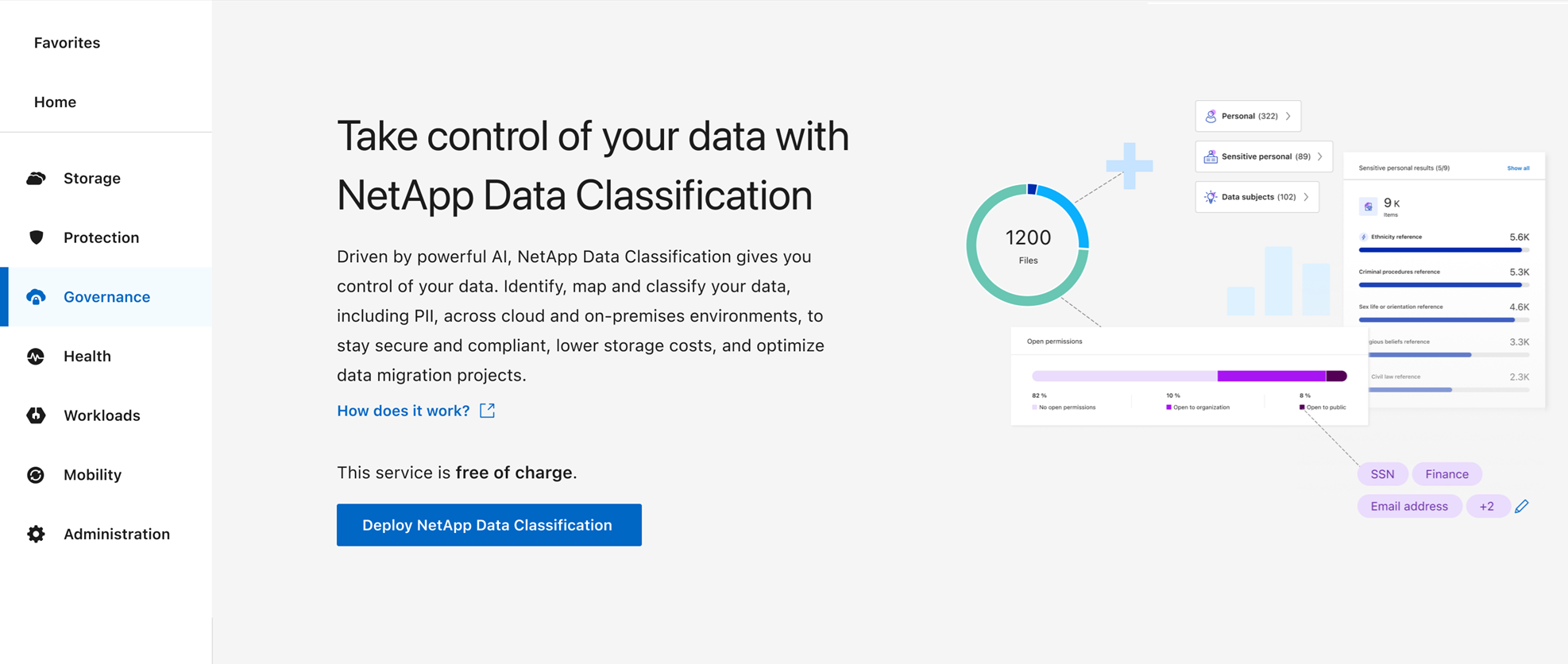
In the Console, select Governance > Classification.
-
Select Deploy Classification.
-
Select the appropriate Deploy option for the instance type: cloud or on-premises.
-
The Deploy Data Classification On Premises dialog appears. Copy the provided command (for example
sudo ./install.sh -a 12345 -c 27AG75 -t 2198qq) to a text file for later use. Select Close to dismiss the dialog. -
Use SSH to connect to the OVA appliance as the administrator user.
-
Run the install command you generated to complete installation and register the system with your organization.